
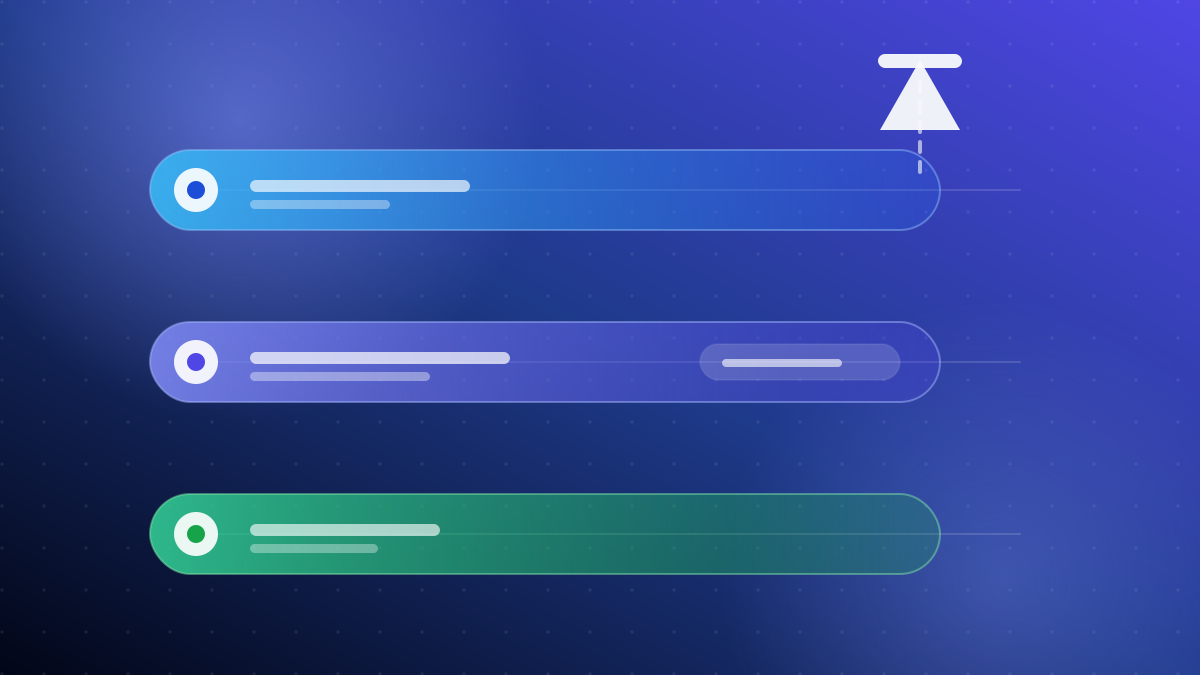
1. The tracks at a glance
A testing track is a release channel with its own audience, its own set of builds and its own
release status. You create releases inside a track, and only the people in that track’s
audience can see them.
The three you will use most often are internal, closed and
open testing. Each one widens the audience a little further.
A short list of people you know
Quick sanity checks
Invited or opted-in testers
A controlled testing period
Anyone who opts in
Wider feedback before release
2. Internal testing
Internal testing is the smallest track. It is designed for people already close to the
project — your own team, a couple of collaborators, or anyone you can hand a link to directly.
Builds usually appear for internal testers quickly, which makes it a good place to confirm
that a release actually installs and opens before you involve anyone else. It is not a
substitute for feedback from people outside your project, because the people in it already
know how the app is meant to work.
- Best for: smoke tests, quick regressions, verifying a build installs.
- Not great for: unbiased first impressions or real-world usage patterns.
3. Closed testing
Closed testing sits in the middle. You control exactly who is in the audience, but the
audience is made of real users rather than your own team.
Testers are usually added in one of two ways: you list their email addresses, or you share an
opt-in link that people can use to join themselves. Either way, each tester needs a Google
account and has to accept the invite or follow the link.
This is the track most developers think of when they talk about “getting testers”. It is
controlled enough to keep the group small, and realistic enough to surface problems your
internal list would never find.
Worth knowing: the audience for a closed test is not the same thing as the
duration. You choose who is in the group, and you also decide how long the test runs — though
Google may attach its own requirements to your account or app. Check Play Console for the
current rules that apply to you.
4. Open testing
Open testing removes the invite list. Anyone who finds the listing can opt in, which means the
audience can grow without you doing anything. That is useful when you want volume, but it also
means you have far less control over who is testing and how engaged they are.
Open testing is a reasonable later step. It is not usually the right first step, because the
feedback you get is unfiltered and can be noisy if the build is still rough.
5. How the tracks connect
The tracks are not competing options — they are a sequence. A common path looks like this:
- Internal to prove the build installs and opens.
- Closed to run a controlled period with real testers.
- Open to widen the audience once the obvious problems are gone.
- Production to release to everyone.
Nothing forces you to use every track, and you can move a build between them. The value of the
order is that each step catches a different kind of problem before the next, larger, audience
sees it.
6. Which track to use first
Start internal if you have not yet confirmed the build looks right on a real device. Once it
opens reliably, closed testing is usually where the useful work happens: real people, real
devices, a defined group.
The part that surprises developers is not the setup in Play Console — it is keeping a group of
testers installed and active for the whole window. That is a coordination problem more than a
technical one.
7. Who sets the rules
Every detail of how these tracks behave — eligibility, audience limits, required durations and
what you can do afterwards — is defined by Google and can change. This article describes the
general shape of the tracks, not a substitute for the current guidance in Play Console.
Always confirm the requirements that apply to your account and app before you plan a release
around them.
Next step
If the closed testing step is the one holding you up, 12Testers organises the tester side of
it: real Android devices, a structured 14-day window where applicable, and a summary at the
end. Choose a package and order on Upwork.